Log in with a simple click and improve security with Single Sign On

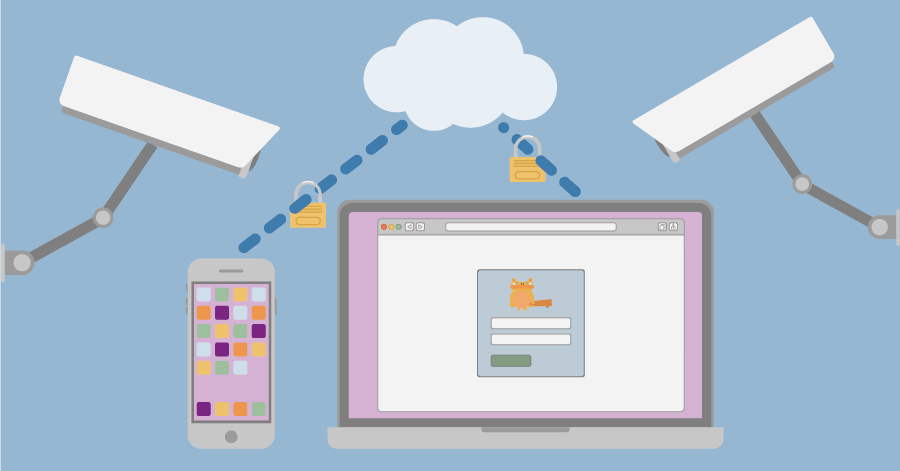
Timewax Single Sign On allows the employees of your company to log into Timewax with one click. With Single Sign On (SSO), you improve the control and security of the software used within your company.

sso white

Trusted by service organisations that have to deliver every day

How does Timewax SSO work?

With SSO enabled, users authenticate via their organization’s central identity provider and are then securely granted access to Timewax without needing a separate username or password. 

Using SSO with Timewax significantly improves security and user experience. Employees only need to remember one set of credentials, which lowers the risk of weak or reused passwords and speeds up login. 

FAQ

Do you have any questions? We’re happy to help.

Once you activate Timewax Single Sign On, your organization can log on with SSO on the login page. Users just enter their email address and log on with a single click. 

You can also decide to force the use of SSO for all users. This way, users cannot log on using a password. 

Yes. Timewax SSO is based on the SAML protocol. This technology increases security by encrypting access requests to the software. This way, the traditional way of logging in with a username and password is no longer required.

Yes, as long as your Identity Provider System (IdP) supports SAML 2.0. Here’s a list of the most used IdP systems:

  • Microsoft Azure Active Directory (Azure AD)
  • Okta
  • Google Identity / Google Workspace
  • Auth0
  • OneLogin
  • Ping Identity
  • CyberArk Identity
  • IBM Security Verify
  • Salesforce Identity
  • Keycloak
  • AWS Cognito

Timewax Single Sign On’ talks’ to your organization’s Identity Provider System (IdP). This system is the central user management system on your company’s network. It lets you determine which employee can use which software. 

For example, your employee clicks on the Timewax login button. The link checks whether this employee is allowed to have access according to the IdP. If that is the case, the system logs the employee into their Timewax account.

By activating Timewax Single Sign On, you place an extra layer of protection over your Timewax environment. Your employees no longer have to remember a username and password for Timewax. 

Although everyone knows you should not recycle passwords, many employees still do this. This extra security layer prevents your Timewax account from being exposed to this risk. Moreover, you can now also centrally manage access to Timewax, making your IT infrastructure more secure. 

Insights from the experts

Traditional resource planning no longer works

Download this free white paper on how things should be done differently.

Potential revenue increase