Stay in sync both ways: Timewax & Outlook working together

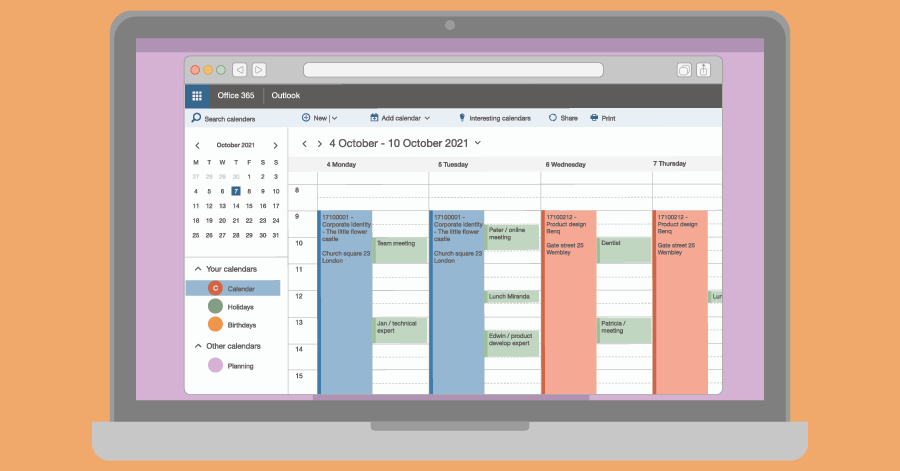
With the 2-way Microsoft Outlook integration not only Timewax bookings are pushed to Outlook, but appointments created in Outlook are also automatically synced back into Timewax — giving your team a complete, up-to-date view of availability and commitments.

Trusted by service organisations that have to deliver every day

How do Microsoft Outlook and Timewax work together?

When an employee schedules or updates an appointment in Outlook, it’s automatically converted into a planning booking in Timewax. With the Timewax Outlook add-in for Office 365, users can even tag appointments with specific projects and activities.

By syncing calendar data both ways, teams gain full visibility into everyone’s schedule. This boosts accuracy, avoids scheduling conflicts, and ensures that planners and team members always work with the same up-to-date information. 

FAQ

Do you have any questions? We’re happy to help.

Yes. It pushes planning bookings from Timewax into the default work calendar of the employees and retrieves appointments from there to sync back to Timewax. 

No, this is up to you. When setting up the 2-way sync, you decide how you want the integration to process Outlook appointments in Timewax. For example, you can choose to only import appointments that your employee tagged with a project and activity.

Yes, you can. Because the integration syncs in both ways, you can edit bookings in both Outlook and Timewax. The integration will pick up the update and makes sure it is synced to the other system.

Yes. In Timewax, you can define how the subject of the event is displayed in Outlook and which information from Timewax is shown in the description of the event. When you tag an appointment in Outlook with a project and activity, you can decide if Timewax adds the information from Timewax to those appointments in Outlook or not. 

This allows you to customise it to your needs so that your employees get exactly the information you want them to see.

With the Timewax add-in for Outlook in Office 365, employees can tag their appointments with the project and activity to which the appointment belongs. This leads to better insight per project and proper reporting of the utilization.

For employees, the add-in enables them to do all the scheduling in Outlook. They no longer have to log in to Timewax to adjust their schedule there. They simply use Outlook with which they are familiar.

Insights from the experts

Traditional resource planning no longer works

Download this free white paper on how things should be done differently.

Potential revenue increase