








See where you stand. And where you’re heading.

Bring budgets, planning and actuals together. So you see not only what has happened, but how capacity, projects and clients are developing.

Trusted by service teams in IT, accountancy, consultancy and technical services

Timewax score on Capterra

Reporting

From capacity to portfolio

The value isn’t only in the individual parts, but in what happens when you use them together.

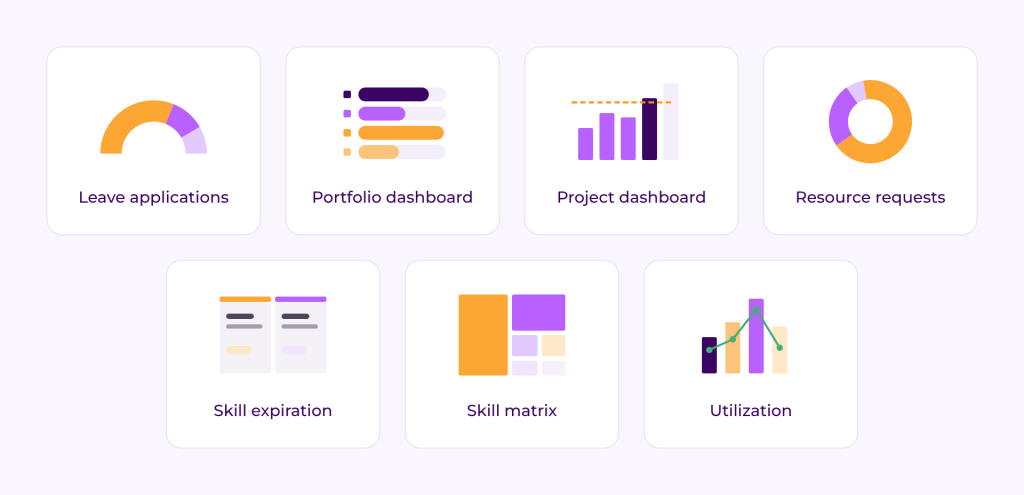
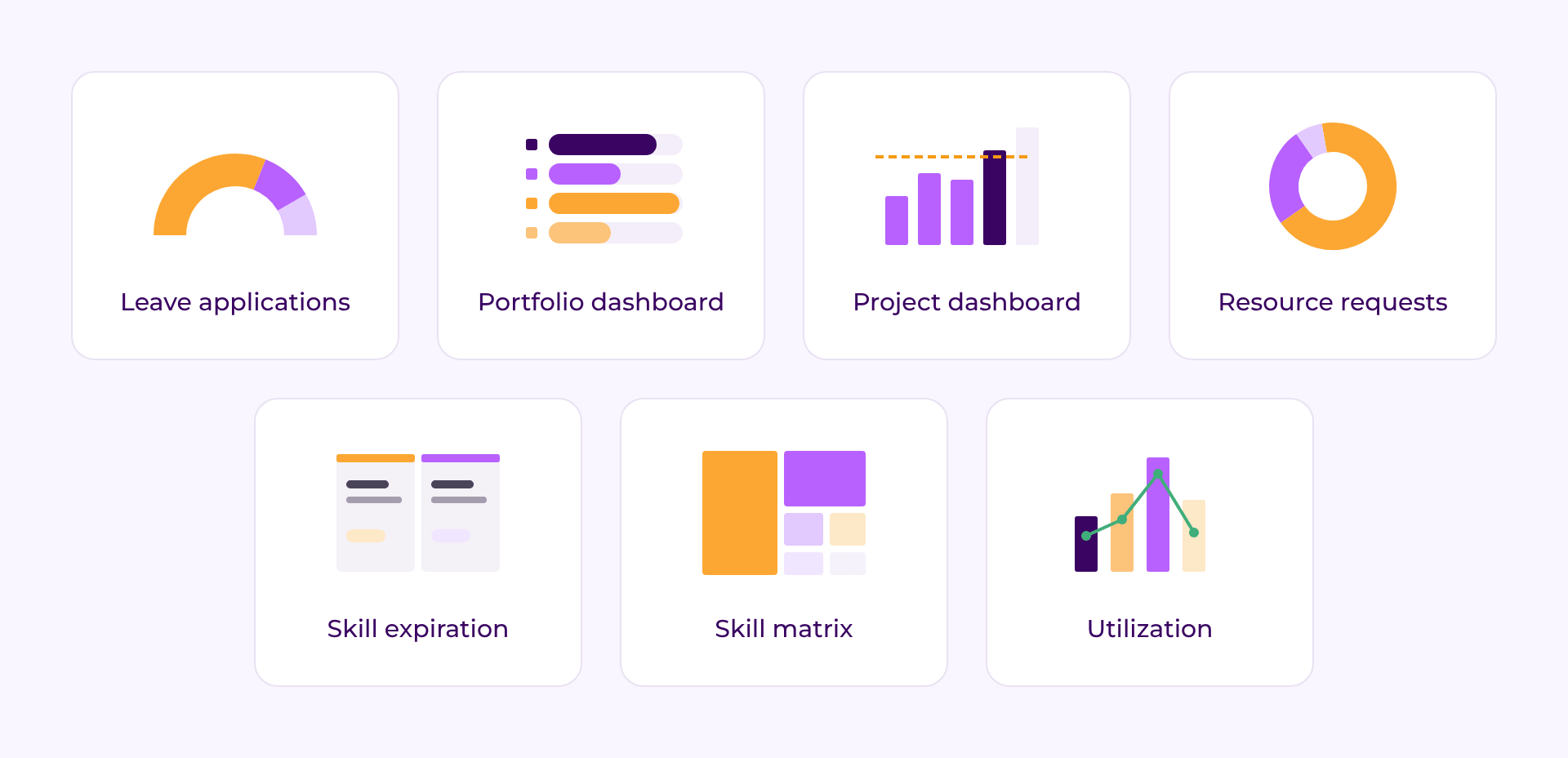
Dashboard library

Budget, planning and actuals together

The information that matters comes together from the same process. No need to piece together different sources afterwards.

From detail to the bigger picture

Drill down into an individual activity or project, or zoom out to a complete client or project portfolio.

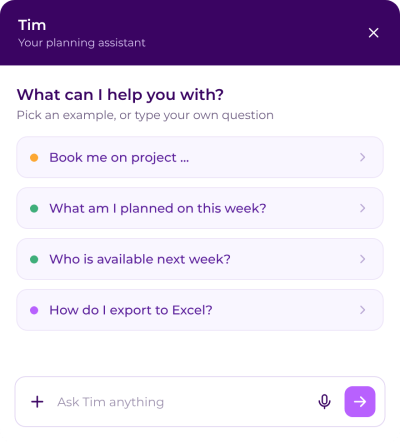
Let Tim take more planning work off your hands

Ask questions about the platform, retrieve information from your planning or let Tim carry out specific planning tasks. Step by step, Tim can take over more repetitive planning work.

tim-start

From capacity to portfolio

Utilization dashboard

Where do we have room?

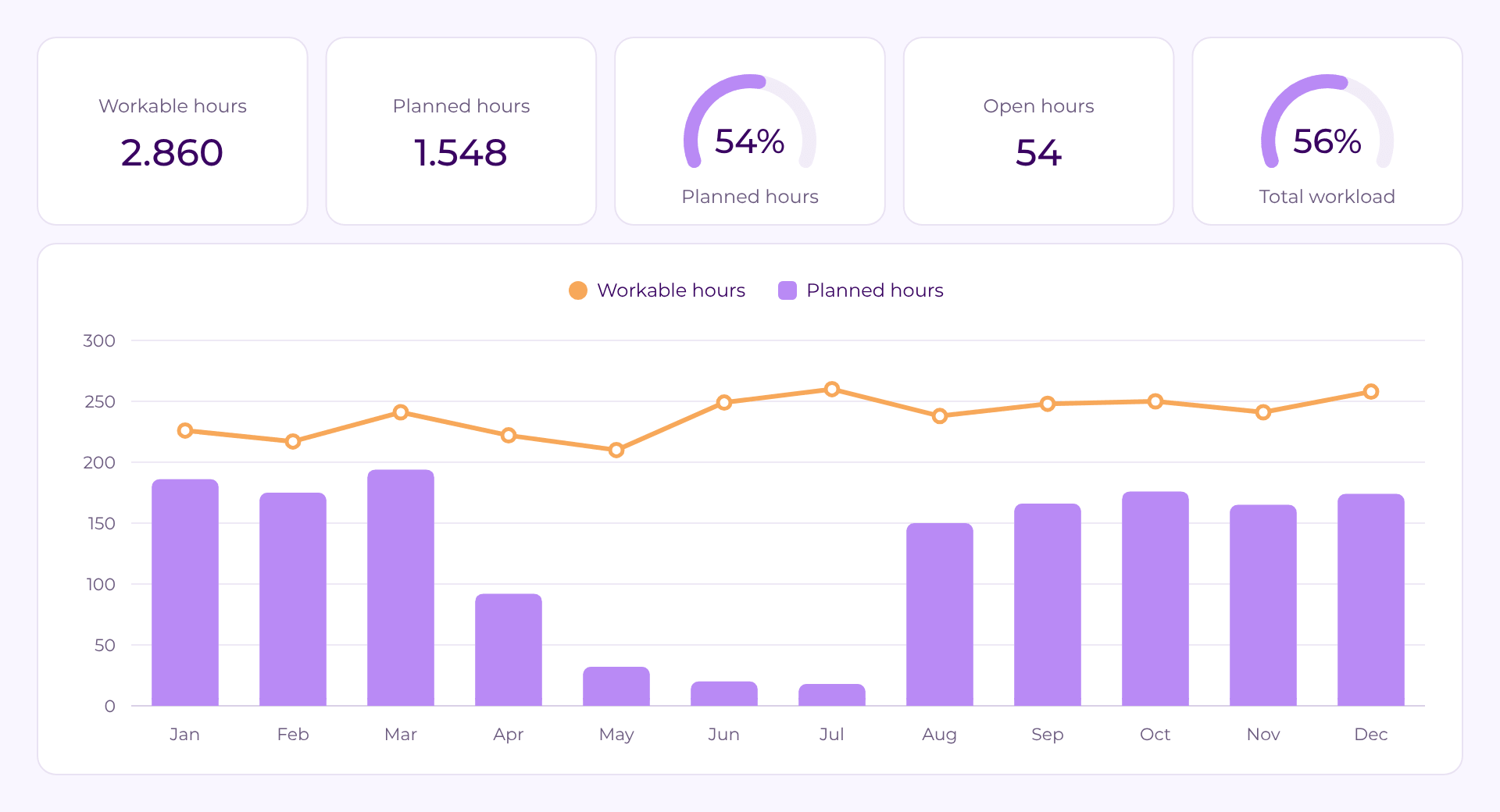
See by week, period, department or team how many hours are workable, planned and actually spent. Compare planning with reality and look ahead to where room is available or capacity could become a problem.

Project dashboard

Is the project still on track?

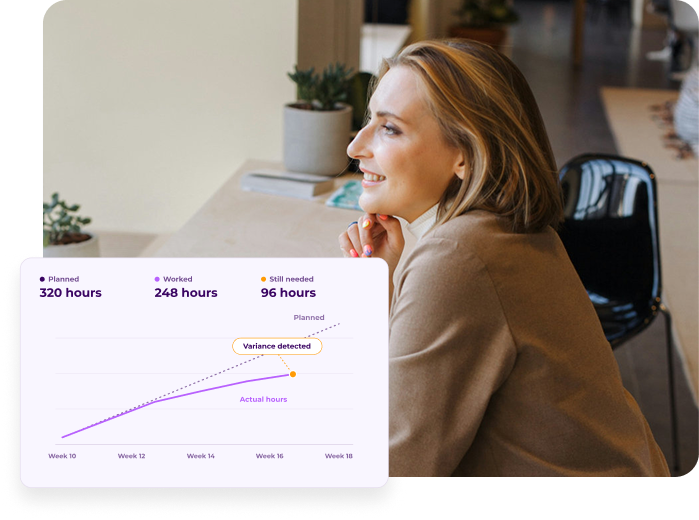
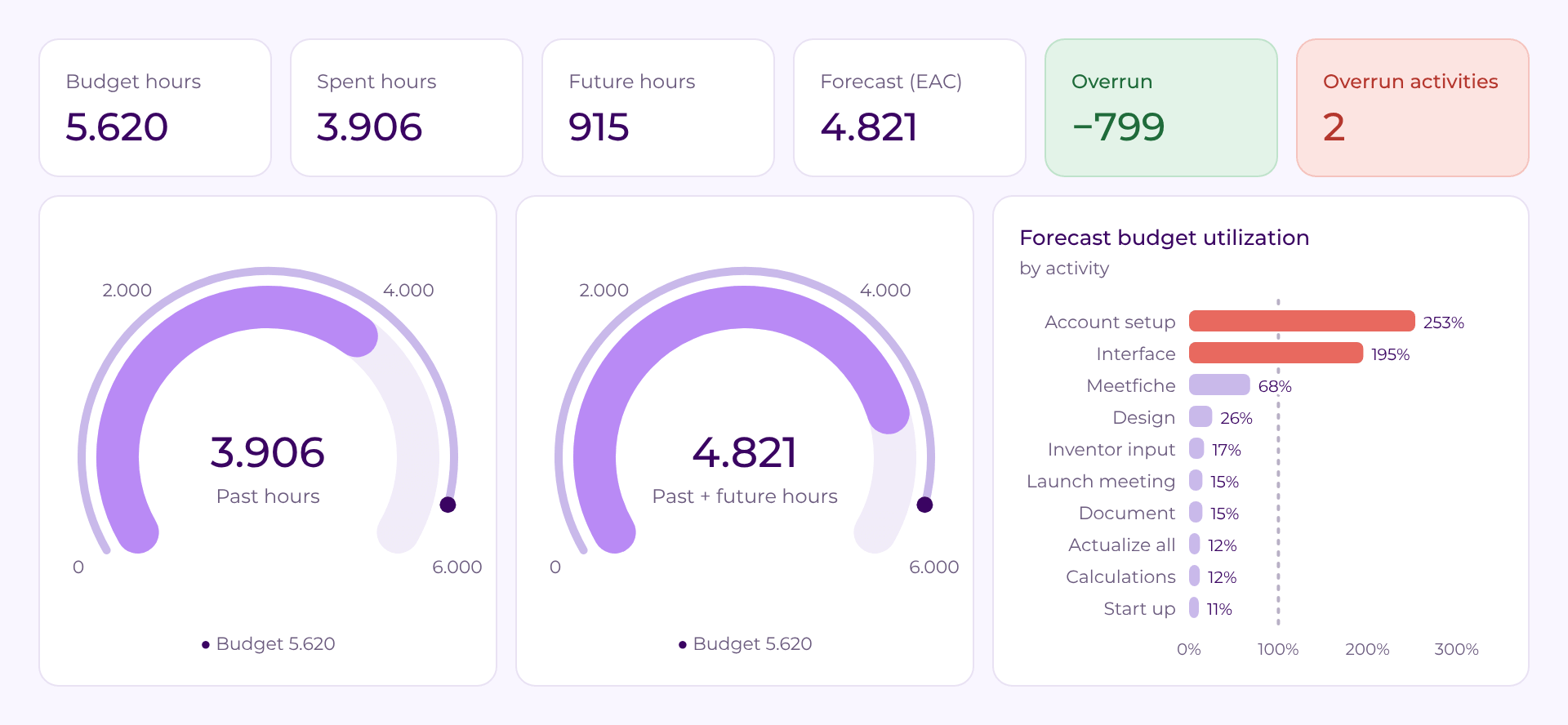
See what was budgeted for a project, what has already been spent and what is still planned for the future. View the total forecast and drill down into activities where differences appear — for example where more hours are being spent than budgeted or a deadline is slipping.

Portfolio dashboard

How are projects performing together?

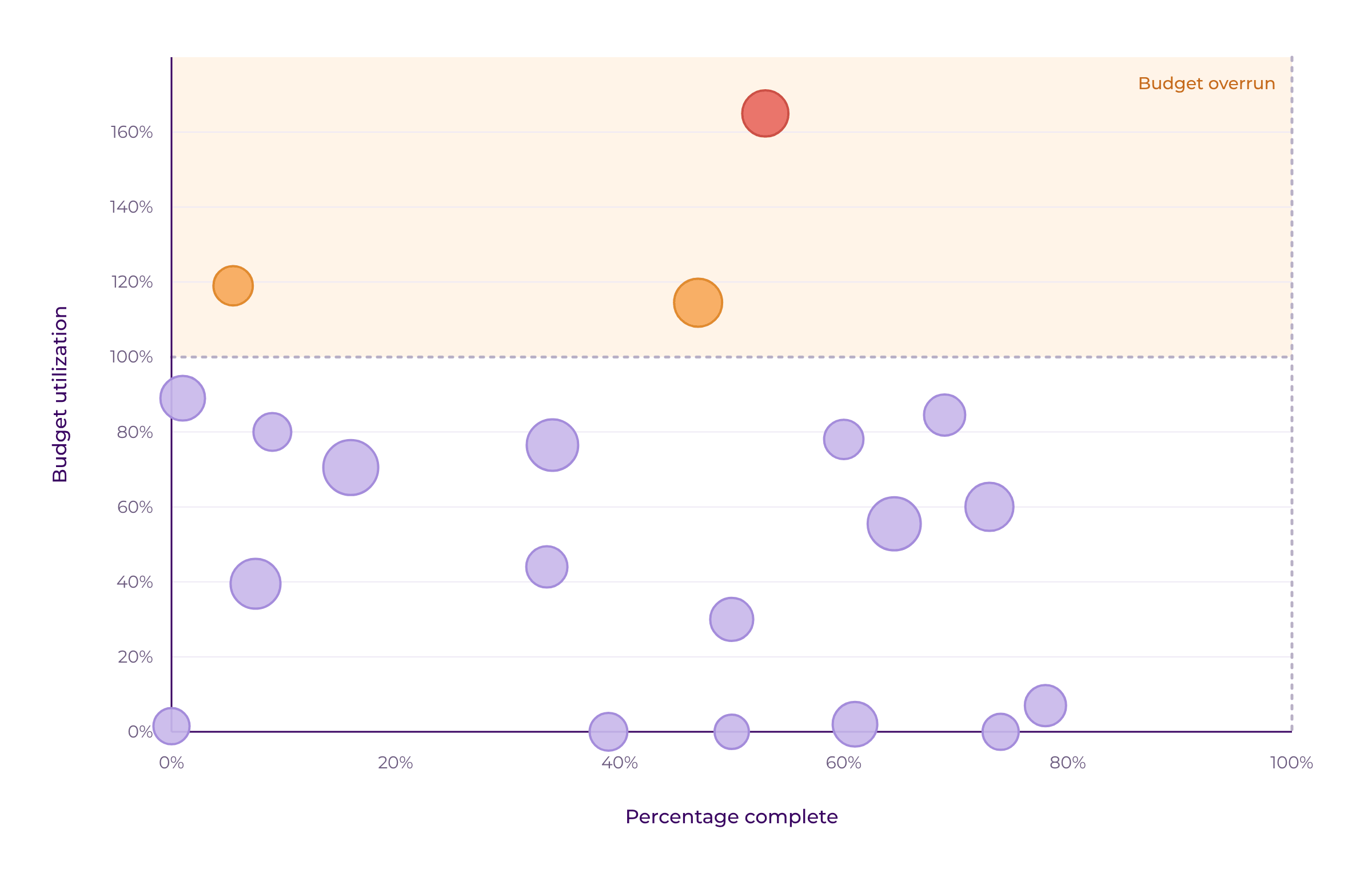
View multiple projects as one portfolio, such as all projects for one client, department or type of work. See how much budget has been used, what is still planned, where deadlines are off track and how projects and margins develop across the portfolio.

Dashboard library

For project managers and management

Project managers see where attention is needed. Team leads see how capacity is developing. Management can steer on the bigger picture. With our dashboards we have everyone’s back.

Try Timewax for free

Explore Timewax’s resource planning features at your own pace with a free trial.

No commitment. Cancel anytime.

Timewax home page

Integrations

Works with the systems you already use

Timewax doesn’t have to sit alongside your existing systems. Connect the platform with tools including Outlook, Google Calendar, AFAS, Exact and other project and financial administration systems.

One process. More insight at every step.

The value isn’t only in the individual parts, but in what happens when you use them together.

You plan the work and people.

So you know what’s being asked of your people.

You see your utilization.

So you know where there’s still room and where things are getting tight.

You record what actually happens.

So you can compare planning with reality.

Read how teams gain more control in practice

Ready in two minutes

“If I schedule a project for a department, I'll be done in two minutes. I select the employees and simply drag them onto the project”

Martin Embregts

Planner Operations

Management is happy

"In just a few clicks, management can see the resource utilization at this moment, and generate projections for in the future."

Thibaut Vos

ERP Manager

Time gain for consultants

"Because the planning is taken over from Timewax, the correct project codes and hours are already in the time sheets. That saves a lot of time."

Rick van Son

Project Manager

Fully automatic

"Transferring the schedule to the employees' calendars is now fully automatic and that saves a lot of time and manual operations.” 

Olaf van der Sanden

Project team manager

More professional

“At a certain point spreadsheets don't cut it anymore. You have to make the switch to professional resource planning software, such as Timewax.”

Kendra van Zessen

Project Manager

Transparancy & efficiency

"The impact of Timewax is that business processes have become a lot more transparent and that they have been made more efficient.”

Leona van Duivenoorde

Planner

Frequently asked questions

Timewax provides powerful Analytics and reporting capabilities to help you extract actionable management information.

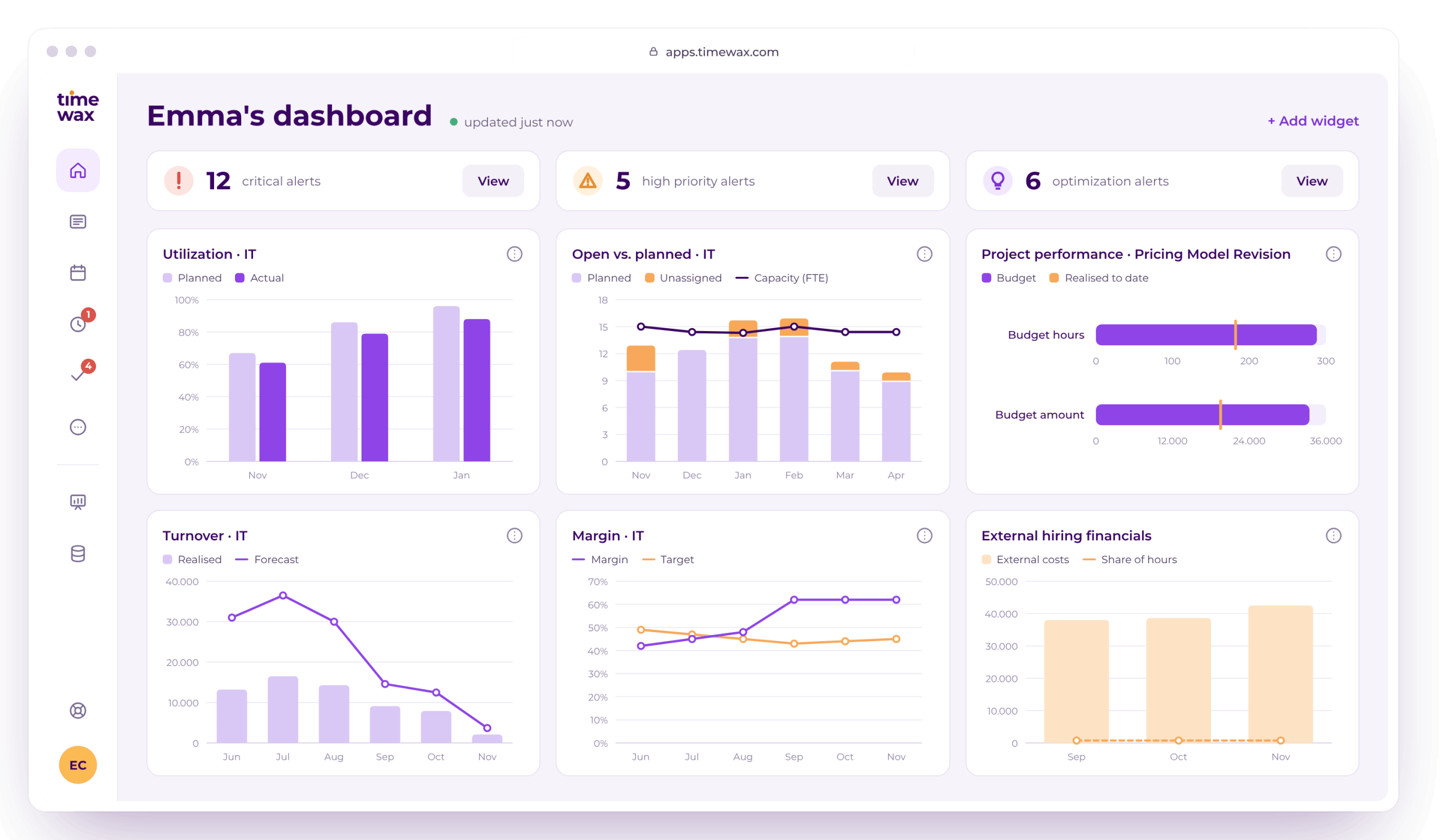
The Analytics feature includes a library of best-practice dashboards for analyzing project performance and resource utilization. These dashboards can be easily customized, allowing you to create variants that match your specific management and reporting needs. Dashboards can also be automatically distributed across your organization.

Timewax supports both commercial and cost price rates, enabling you to generate management insights into revenue, costs, and profitability—down to the individual project level.

If you already use a business intelligence (BI) platform, Timewax offers an API that allows you to extract data and feed it directly into your existing BI environment, ensuring seamless integration with your broader reporting landscape.

Yes. Timewax includes comprehensive project management capabilities that integrate planning, budgeting, and execution.

You can break down projects in a way that fits your organization—using milestones, deliverables, activities, or other structures. Projects can be budgeted at any level of detail, with both budgeted hours and budgeted amounts defined upfront.

As you schedule resources, Timewax automatically creates planned hours. If you use time tracking in Timewax, you can compare actual hours with both planned and budgeted hours, giving you clear insight into deviations and performance.

Timewax also allows you to track project progress in real time. This provides early visibility into project performance while projects are still running, rather than only after completion—enabling you to take corrective action in time.

Timewax ensures the correct use of project codes through a combination of data security, guided time tracking, and approval workflows.

First, you can configure data security and access controls that determine which projects users are allowed to see and use. This prevents employees from selecting incorrect or unauthorized project codes from the start.

Second, Timewax tightly integrates planning and time tracking. Employees can copy their planned hours directly into their time sheets, ensuring that the same project codes are used consistently. In addition, users can only select project codes for which they are explicitly authorized at the project level.

Finally, all submitted timesheets go through an approval process. Project or department managers review the entries to verify that the correct project codes have been used. They can adjust entries themselves or reject time sheets and send them back to employees for correction.

Together, these controls provide a robust governance model that ensures accurate, compliant, and reliable project code usage across planning and time tracking.

Traditional resource planning no longer works

Download this free white paper on how things should be done differently.

Potential revenue increase