Implementation
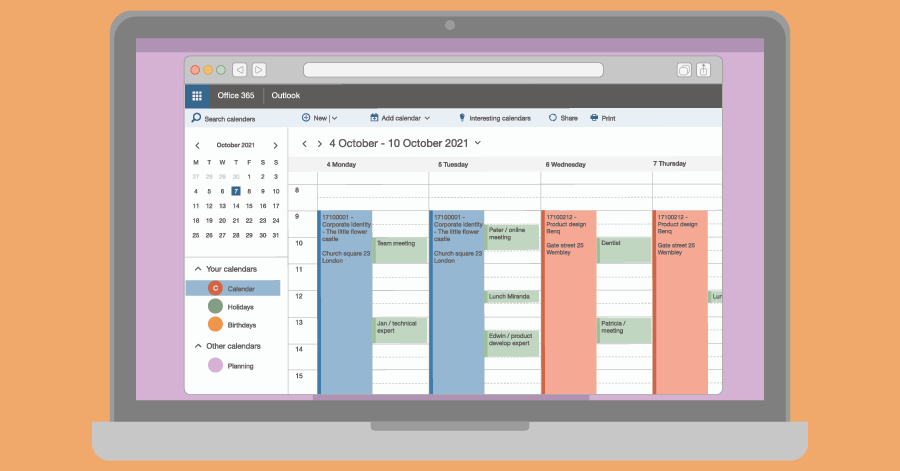
Scheduling in Outlook, 4 best practices
You can integrate Timewax with Outlook. But is a booking the same as an appointment? You should pay attention to this when you link the planning of employees to Outlook.











Data stays in sync
“With integrations, important data flows back and forth between the systems without any problems.”
Martin Embregts
Planner Operations

Fully automatic
"Transferring the schedule to the calendars of our employees is now fully automatic and that saves a lot of time."
Olaf van der Sanden
Project team manager

Powerful
“The Timewax API is a very powerful tool. This allows you to do so much more with your planning data.”
Kendra van Zessen
Project Manager
You can integrate Timewax with Outlook. But is a booking the same as an appointment? You should pay attention to this when you link the planning of employees to Outlook.
Everyone is familiar with repetitive tasks that make you think: “Isn’t there another way?” Yes, you there is! By integrating your planning software, you can automate tasks.

Good planning is vital for many firms. This way, you optimize the hourly-based turnover, and your employees work as efficiently as possible. Yet it often doesn’t work out.