











Yes—absolutely. Timewax is designed to integrate seamlessly with your existing systems, improving data reliability and saving time.
Timewax offers standard integrations that are available out of the box and can be enabled quickly. In addition, a fully documented API allows you to build custom integrations tailored to your specific needs.
If you prefer not to develop integrations yourself, Timewax works with technology partners who can design and implement custom integrations on your behalf.
This flexible integration approach ensures Timewax fits naturally into your existing IT and application landscape.
Yes. Most Timewax integrations operate in real time or with a delay of only a few minutes at most.
Keeping systems closely synchronized is essential for smooth, end-to-end business processes. Timewax is designed to ensure that data remains consistent and up to date across integrated systems, minimizing discrepancies and manual corrections.
As a result, planning, execution, and reporting are always based on the most current information available.
Best-practice integrations with Timewax typically focus on HR and ERP data, ensuring a reliable foundation for planning and reporting.
From an HR system, organizations usually synchronize employee master data, including working hours, leave, sickness, and other types of absence. This provides an accurate and up-to-date basis for capacity and availability planning in Timewax.
From an ERP system, it is common to synchronize project and financial structures into Timewax. In return, planned and actual hours can be sent back from Timewax to the ERP system for time sheet reporting, invoicing, and financial control.
By syncing the right data in both directions, Timewax becomes a central planning layer while existing systems remain the system of record for HR and finance.
Yes. Timewax provides a robust API that allows you to build custom integrations with your own systems.
Using the API, you can retrieve, create, update, and delete both master data and transactional data in Timewax. This makes it possible to fully integrate Timewax into your existing application landscape.
The API is available as an HTTPS service. Requests are sent to the Timewax server using GET or POST, and responses are returned in XML format. Each service has its own endpoint, request structure, and response definition. All API calls are securely authorized via token-based authentication using Timewax credentials.
Detailed technical documentation is available in the corresponding support article, enabling developers to get started quickly and safely.
Yes. Timewax supports Single Sign-On (SSO) based on SAML, allowing seamless integration with your organization’s identity provider (IdP).
Once SSO is enabled, users can log in to Timewax directly from the login page by simply entering their email addressand signing in with one click via your IdP. This improves both security and user experience.
You can also choose to enforce SSO for all users, ensuring centralized access control and consistent authentication policies across your organization.
In most cases, no. The majority of integrations are developed and maintained by Timewax and are included in your subscription edition, with no additional costs.
Some integrations—such as Autotask, Exact Synergy, and Simplicity—are developed by third-party providers. These integrations come with a separate monthly fee, which is charged directly by the integration partner.
Use of the Timewax API is included in your subscription. Each edition has a defined monthly request limit. If this limit is exceeded, Timewax will notify you and provide a two-month grace period to adjust your integration and remain within the allowed usage.
This approach ensures cost transparency and predictability, while still offering flexibility for advanced integration scenarios.

The value of your Timewax account is partly determined by the integrations with other systems that you use at work. That is why we have developed standard integrations.


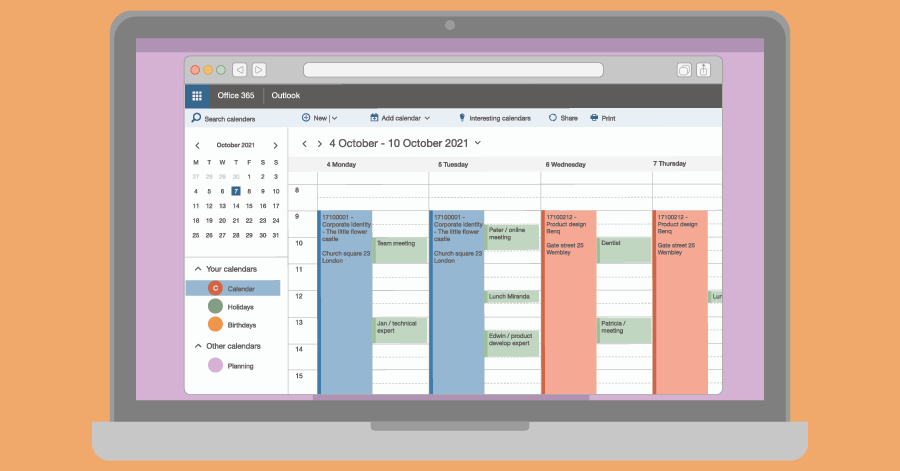
You can integrate Timewax with Outlook. But is a booking the same as an appointment? You should pay attention to this when you link the planning of employees to Outlook.
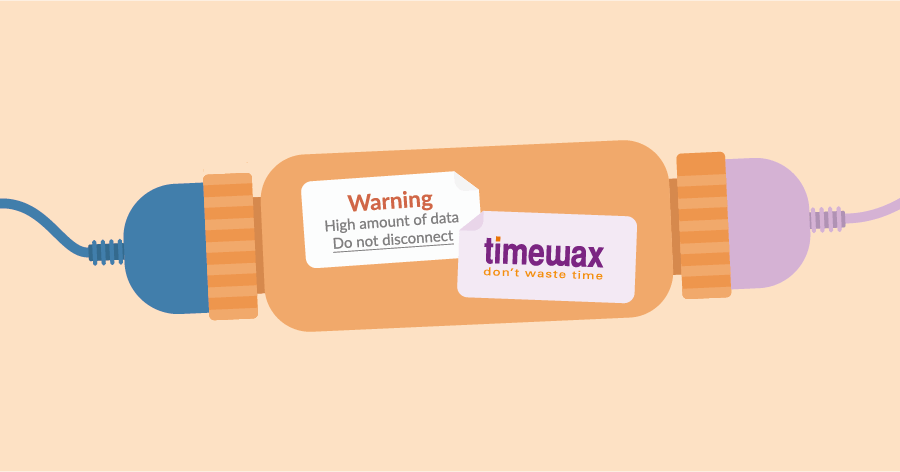
Everyone is familiar with repetitive tasks that make you think: “Isn’t there another way?” Yes, you there is! By integrating your planning software, you can automate tasks.